




Home Network Security Tips
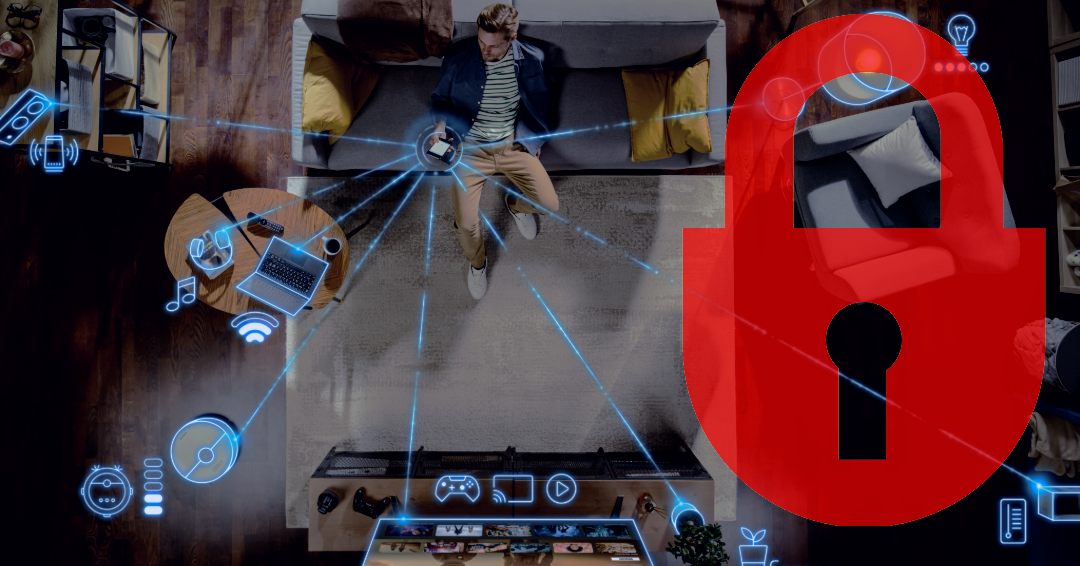
Cybercriminals don’t just target businesses. They target homes, too. An unsecured network can lead to:
- Stolen personal information
- Unauthorized access to devices
- Slower internet speeds from piggybacking users
- Compromised smart home devices (cameras, locks, etc.)
Securing your network protects both your data and your family. Here are some tips for securing your home network:
Use Strong, Unique Passwords
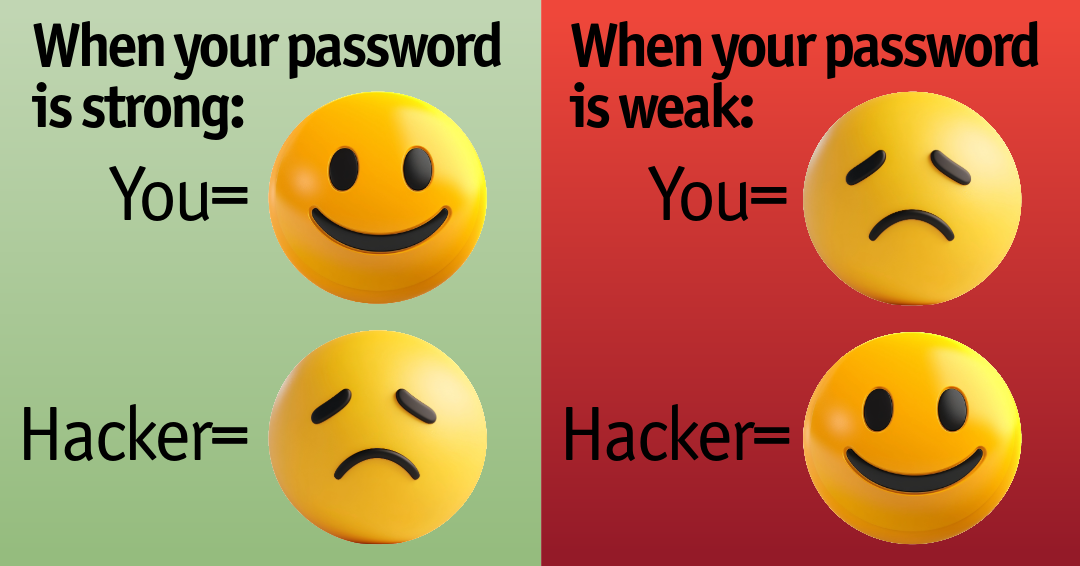
Your WiFi password is your first line of defense. Best practices when setting up or changing a password include:
- Use a long password (at least 12–16 characters)
- Combine uppercase, lowercase, numbers, and symbols
- Avoid common words or personal info (like birthdays or names)
- Never reuse passwords across devices or accounts
- Example of a strong password: 7!Blu3Sky#Homes2026
- Make sure your router admin password is different from your WiFi password.
Enable Multi-Factor Authentication (MFA)
Even strong passwords can be compromised. MFA adds an extra layer of protection by requiring a second verification step—such as a text message code, authentication app prompt, or hardware token.
Enable MFA on important accounts, including:
- Social media
- Banking
- Online shopping
This simple step dramatically reduces the chances of unauthorized access.
Secure and Maintain Your Router
Your router is the central hub of your home network—and one of the most common entry points for hackers. Taking a few minutes to properly secure and maintain it can dramatically reduce your risk.
Take the following steps to help increase security on your router:
Lock down router settings:
Change the default admin username and password. Many routers come with default login credentials that are widely known and easy to exploit. Changing these should be your first step. You will want to rename your WiFi network (SSID) so it doesn’t reveal your router brand or address. Also, disable remote management unless you absolutely need it
Turn on the strongest encryption possible.
Encryption protects the data traveling between your devices and your router. Without it, your information can be intercepted. Choose WPA3 (most secure) recommended when available. Another option that is safe for households is WPA2. Avoid using WEP. WEP is outdated and easily hacked.
Keep Your Router Updated
Like smartphones and computers, routers receive updates that fix security vulnerabilities. Skipping these updates leaves your network exposed. Follow these steps to update your router:
- Log into your router settings and check for firmware updates regularly
- Enable automatic updates if your router supports it
- Consider upgrading older equipment that no longer receives security patches
- Keeping your router secure, encrypted, and up to date creates a strong foundation for your entire home network—protecting everything connected to it.
Set Up a Guest Network
Giving visitors your main WiFi password can expose your network. Instead, create a guest network and keep it separate from your main devices. You will also want to use a different password. This is especially important if you have smart home devices connected.
Watch Out for Phishing and Scams
Many home network compromises begin with social engineering—tricking someone into granting access.
Be cautious of:
- Suspicious emails asking you to click a link or “verify” your account
- Scam text messages pretending to be banks, delivery services, or tech support
- Phone calls claiming your device is infected or your account is locked
- Never enter login information into a website you didn’t intentionally navigate to, and never allow remote access to your device unless you initiated the support request.
Monitor and Secure Connected Devices
Your home network is only as secure as the devices connected to it. That’s why it’s important to regularly monitor activity and make sure every device is properly protected.
Keep an Eye on What’s Connected
Most routers allow you to view a list of connected devices. Checking this periodically can help you spot potential security issues early. When checking, look for unfamiliar or suspicious device names, remove or block anything you don’t recognize, and change your WiFi password immediately if something seems off.
Protect Every Device on Your Network
Hackers often look for the weakest entry point, so even one unsecured device can put your entire network at risk.
Be sure to secure:
- Smart TVs
- Security cameras
- Video doorbells
- Laptops and smartphones
Simple ways to stay protected:
- Keep all devices updated with the latest software
- Use strong, unique passwords for each device
- Turn off or disconnect devices when they’re not in use
- Replace aging equipment when it is no longer supported or receiving security updates
By actively monitoring your network and securing every connected device, you create an extra layer of protection that helps keep your entire home safe.
Strengthen Your Network Defenses
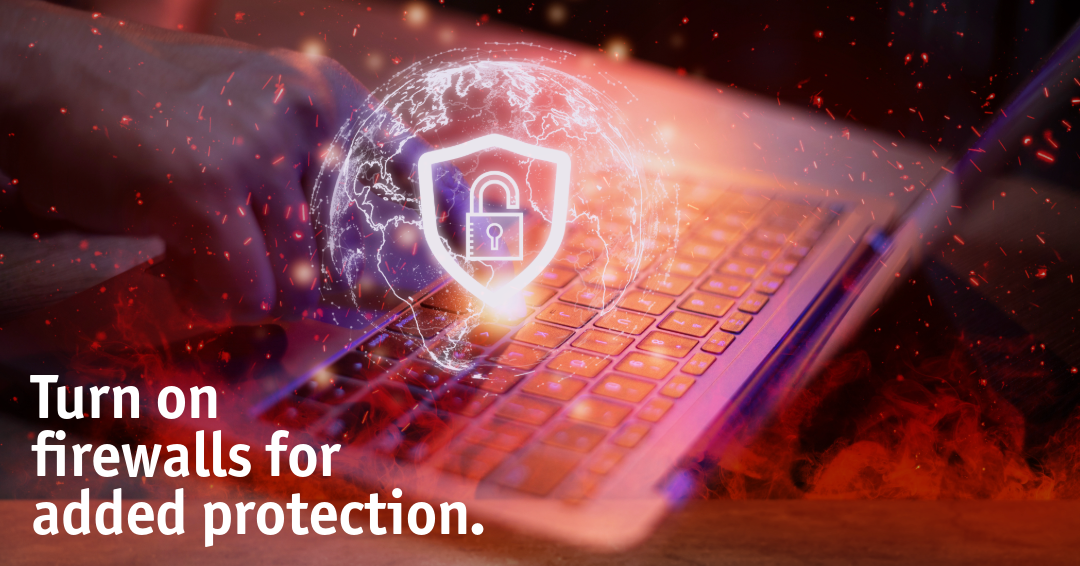
Routers come with a built-in firewall—make sure it’s turned on.
You can:
- Enable router firewall protection
- Use device-level firewalls (on computers)
- Consider additional security software for extra protection
Tip: Place your router strategically. This isn’t just about performance—it helps with security too. Why? WiFi signals that extend far outside your home are easier to intercept. So, place your router centrally, and avoid positioning it near windows when possible.
Back Up Important Data
Even with strong security, no system is completely immune to failure or attack. Regular backups ensure you don’t lose valuable files if something goes wrong.
Good backup practices include:
- Using cloud storage for important documents and photos
- Keeping an external hard drive backup
- Scheduling automatic backups on computers and mobile devices
If ransomware or hardware failure strikes, backups can save you from permanent data loss.
Consider Professional Support
If managing network security feels overwhelming, you don’t have to do it alone. At EPlus Broadband, we help customers:
- Set up secure home networks
- Optimize router settings
- Ensure reliable, protected connections
Keeping your home network secure doesn’t have to be complicated. A few simple steps can go a long way toward protecting your data, devices, and privacy. If you’re unsure whether your current setup is secure, or if your internet service is holding you back, we’re here to help.
Check availability in your area or speak with our team today to upgrade your home internet experience.
.png)